Digital Habits: Effortless Tips for Unbeatable Online Safety
In an increasingly connected world, establishing strong digital habits is more important than ever for maintaining online safety. With cyber threats lurking around every corner, developing strategies to protect personal information is crucial. By adopting effective habits, parents and educators can ensure a safer online environment for themselves and their children. This guide offers actionable insights into how you can effortlessly enhance your digital security.
Why Digital Habits Matter for Online Safety
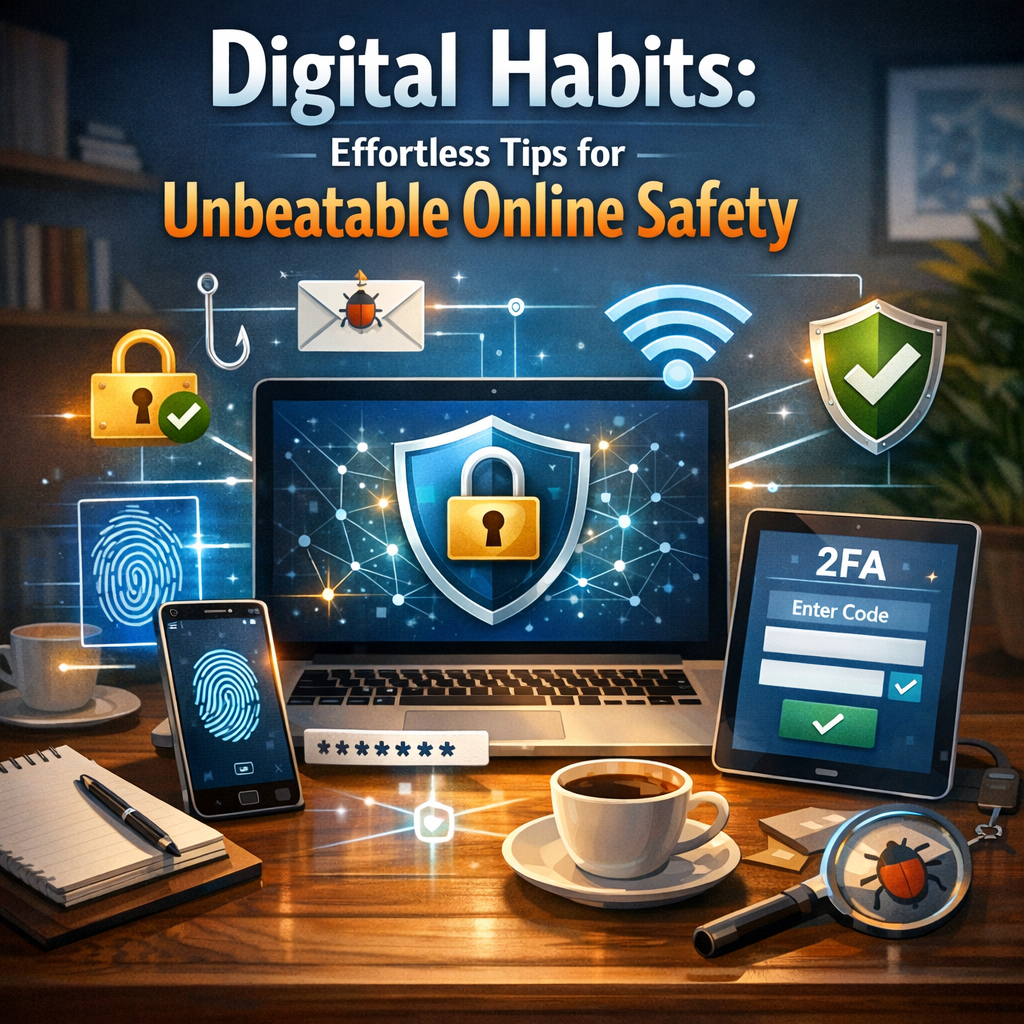
Digital habits are the routines and behaviors we embody when interacting with technology. These habits significantly impact online safety by either strengthening or weakening our defenses against cyber threats. With the vast amount of personal data shared on digital platforms, forming strong habits can prevent unauthorized access, data breaches, and even identity theft.
Building Awareness
Understanding the importance of digital habits begins with building awareness. By recognizing potential threats and understanding how our actions impact security, we can take meaningful steps to protect ourselves.
Establishing Strong Passwords
One of the foundational elements of online safety is the creation and maintenance of strong passwords. A robust password is often the first line of defense against unauthorized access.
Components of a Strong Password
1. Length and Complexity: Aim for passwords that are at least 12 characters long, combining letters, numbers, and special symbols.
2. Avoid Common Words: Steer clear of easily guessable words or sequential patterns.
3. Unique for Each Account: Use different passwords for different accounts to prevent a domino effect in case of a breach.
Utilizing Password Managers
Password managers can help keep track of complex passwords and ensure each is unique without the hassle of memorization. They encrypt your data, providing an added layer of security.
Two-Factor Authentication (2FA)
Implementing two-factor authentication adds an extra layer of protection. This security feature requires not only a password but also a second factor, like a text message code or an app-generated number, to access accounts.
Setting Up 2FA
– Begin by checking if your online services offer 2FA.
– Use apps like Google Authenticator or Authy for generating time-based codes.
– Regularly update your backup methods, such as phone numbers or email addresses, to ensure continuous access.
Safe Browsing Practices
Browsing with caution can significantly enhance your online safety. Incorporating safe browsing practices helps in evading malicious websites and phishing attacks.
Tips for Secure Browsing
1. Use HTTPS: Ensure websites you visit use HTTPS to encrypt data transmitted between your browser and the site.
2. Be Wary of Pop-ups: Avoid clicking on suspicious pop-up ads or links in unsolicited emails.
3. Regularly Clear Cache: Clearing cookies and cache can prevent tracking and enhance privacy.
Securing Personal Devices
Keeping personal devices secure is crucial for safeguarding data against potential breaches and malware attacks.
Device Security Tips
– Regular Software Updates: Keep operating systems and applications updated to patch vulnerabilities.
– Install Antivirus Software: Use reputable antivirus programs to detect and thwart threats.
– Enable Firewall Protection: A firewall acts as a barrier between your device and potential intruders.
Educating Children About Online Safety
As educators and parents, imparting knowledge about online safety to children is critical. Encouraging positive digital habits early can have long-lasting effects.
Practical Steps in Teaching Children
– Discuss Online Risks: Have open conversations about potential online dangers.
– Monitor Online Activity: Use parental controls to oversee children’s interactions and restrict access to inappropriate content.
– Encourage Responsible Sharing: Teach children the risks of sharing personal information online.
For more resources on nurturing safe online behaviors in children, consider exploring related articles on our site about safe online interactions for kids.
Managing Social Media Privacy
Social media platforms are fertile ground for oversharing, which can compromise online safety. Managing privacy settings is essential for protecting personal information.
Social Media Privacy Strategies
1. Customize Privacy Settings: Adjust who can see your posts and personal details.
2. Limit Personal Information: Avoid sharing sensitive details such as address or phone number.
3. Be Selective with Friends/Followers: Regularly review and curate your list of connections for security.
Understanding Cyber Threats
Identifying and understanding different types of cyber threats inform better digital habits. Some common threats include:
– Phishing Scams: Fraudsters posing as legitimate sources to steal information.
– Malware: Malicious software designed to damage or gain unauthorized access to devices.
– Data Breaches: Unauthorized access to sensitive personal data.
To better protect against these threats, consistently update your knowledge with our in-depth cybersecurity articles.
The Role of Technology Tools
Utilizing technology tools can streamline the process of safe online practices and reinforce security efforts.
Recommended Tools
– VPN Services: Virtual Private Networks encrypt your internet traffic, disguising your IP address.
– Ad Blockers: Block unwanted advertising and potential malicious sites.
– Secure Messaging Apps: Use apps with end-to-end encryption for private communication.
For a comprehensive guide on choosing the right tools, check our technology recommendations.
Continuous Learning and Adaptation
The digital landscape continuously evolves, requiring regular updates to your knowledge and practices.
– Online Courses and Workshops: Engage in learning opportunities to stay informed about the latest safety trends.
– Community Forums: Participate in discussions with experts and peers for insights and advice.
For more information on available courses, feel free to explore our digital learning resources.
FAQs About Digital Habits and Online Safety
What are digital habits?
Digital habits refer to the consistent behaviors and practices individuals adopt while interacting with digital devices and online services. Healthy digital habits are crucial for maintaining online safety and personal privacy.
How can I teach my kids about online safety?
Start with open conversations about potential online dangers, use parental controls to monitor activity, and encourage responsible sharing practices. Tools like the Brain Baba Kids Learning App also provide educational resources for children.
What makes a password secure?
A strong password should be at least 12 characters long, include a mix of letters, numbers, and symbols, avoid common phrases, and differ for each account. Consider using a password manager for added security.
Is it necessary to use two-factor authentication on all accounts?
While not mandatory, enabling two-factor authentication wherever possible significantly enhances account security by requiring two forms of verification.
Why is it important to update software regularly?
Regular updates patch vulnerabilities in software, protecting against malware and other cyber threats. They ensure your devices operate securely and efficiently.
Conclusion
Incorporating robust digital habits is not just about safeguarding information; it’s about fostering a culture of proactive online safety. By taking actionable steps today, you ensure a more secure tomorrow for yourself and your loved ones. Equip yourself with knowledge, leverage available tools, and continuously adapt to the evolving digital environment. Start by sharing this article, enhancing awareness, and cultivating unbeatable online safety.